Rainbow Parameter Folders [Live2D Tips]
How to create rainbow parameter folders in Live2D Cubism Editor.
When using Live2D, you can customize folder colors to make your workspace easier to organize. The default color presets offered by the editor are limited, but custom colors let you create more appealing folder color schemes!
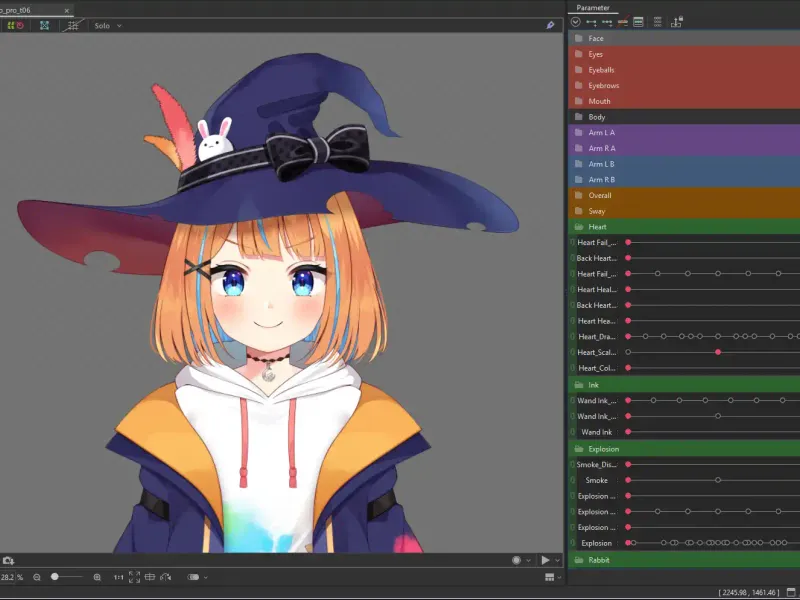 Default folder colors
Advanced Color Settings
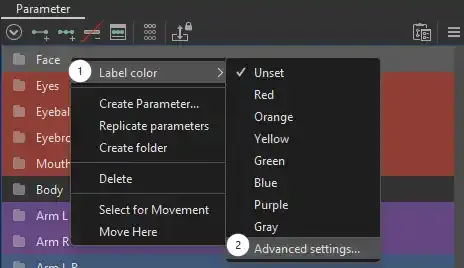
Right-click a folder, then select Label Color > Advanced Settings.
Rainbow Colors
-
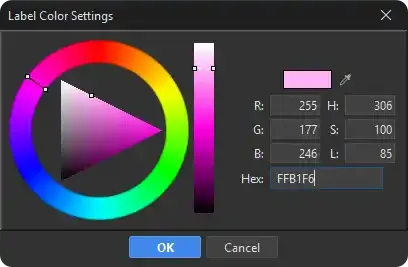
Choose any initial color for the first folder. I used #FFB1F6.
-
For a new folder, use the eyedropper tool to pick the color of an adjacent folder, then shift the hue slightly.
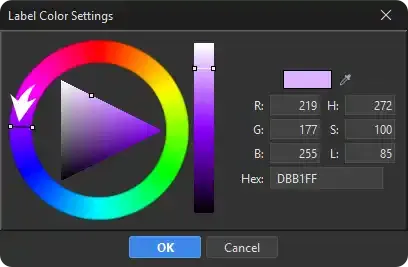
-
Repeat a few times to create 🌈rainbow folders!
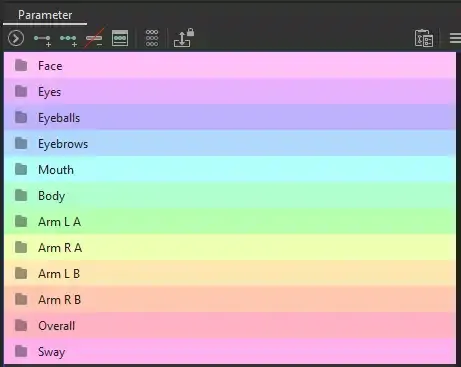
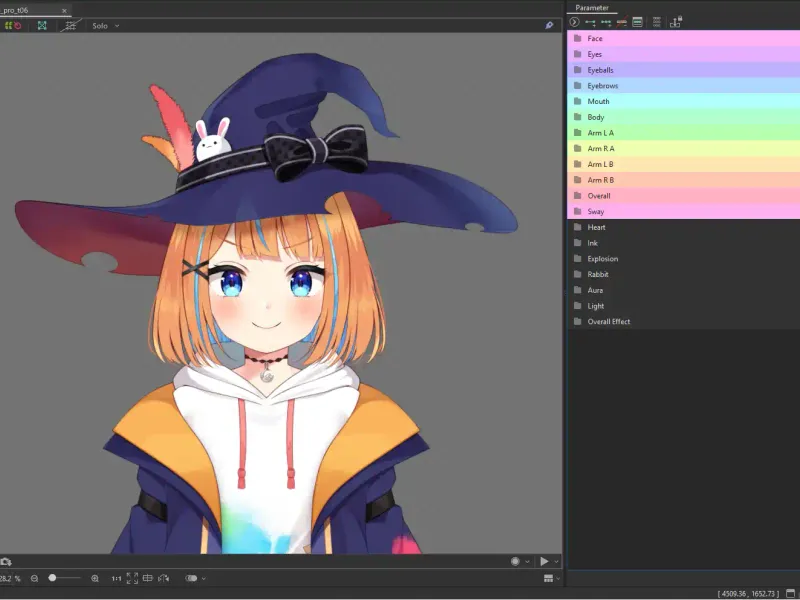 Result
Matching Color Scheme
Follow the same steps, keep the hue consistent, and lower the saturation to create gradient-colored folders.
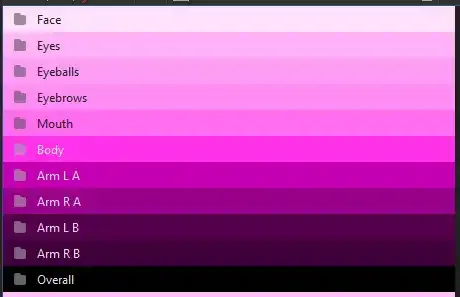
Save as a Preset
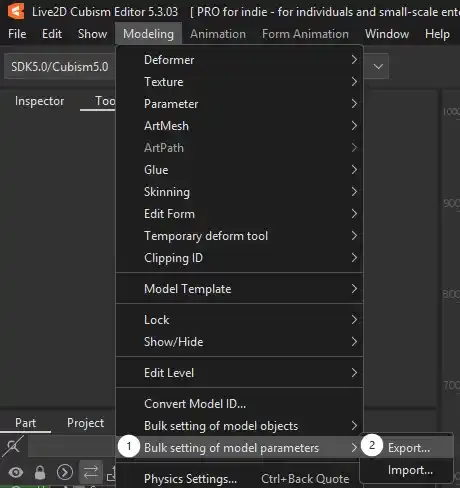
Go to Model Settings > Bulk setting of model parameters > Export/Import to save or load the preset for future use.